
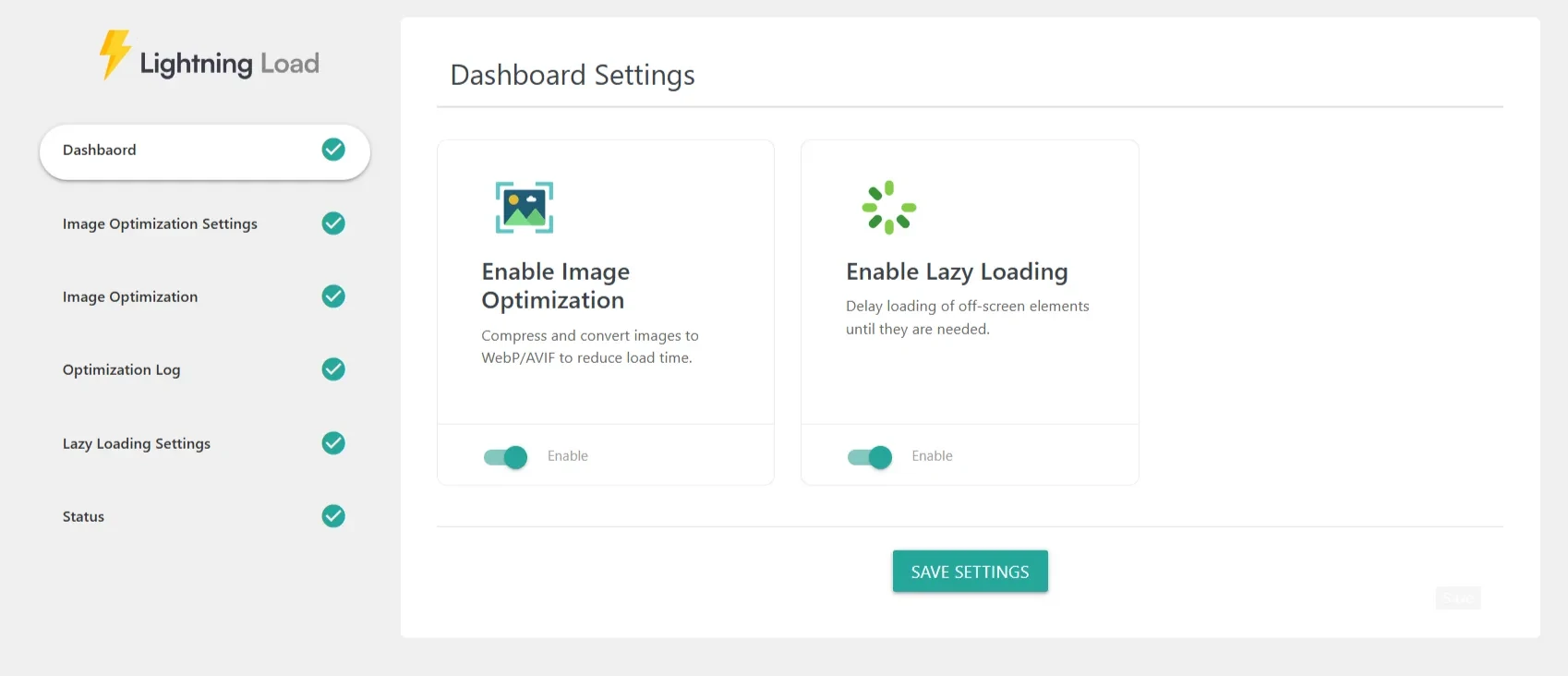
The Dashboard Settings screen gives you a quick, centralized way to enable or disable major optimization modules in the plugin. Each module focuses on improving performance, speeding up page loads, and enhancing Core Web Vitals.
Enabling a module activates its full set of features inside the plugin’s settings panels. You can fine-tune each module later in its dedicated section.
🖼 1. Enable Image Optimization
Description:
Compress and convert images into modern formats like WebP or AVIF, reducing file size without losing quality.
Benefits:
Significantly faster image loading
Improved LCP scores
Efficient disk usage
Automatic optimization workflows
🕒 2. Enable Lazy Loading
Description:
Delays loading of off-screen images, videos, iframes, background images, and widgets until they are needed.
Benefits:
Reduced initial page weight
Faster rendering
Optimized experience for mobile users
Smooth scrolling performance
💾 Save Settings
Press Save Settings at the bottom to apply your module configurations.
This activates or deactivates each optimization module instantly across your website.